Your invitation becomes your website.
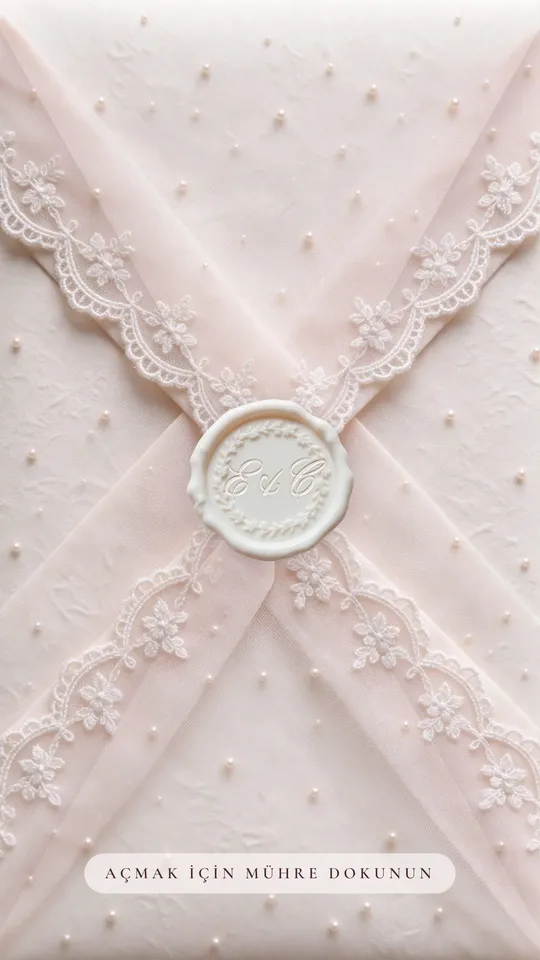
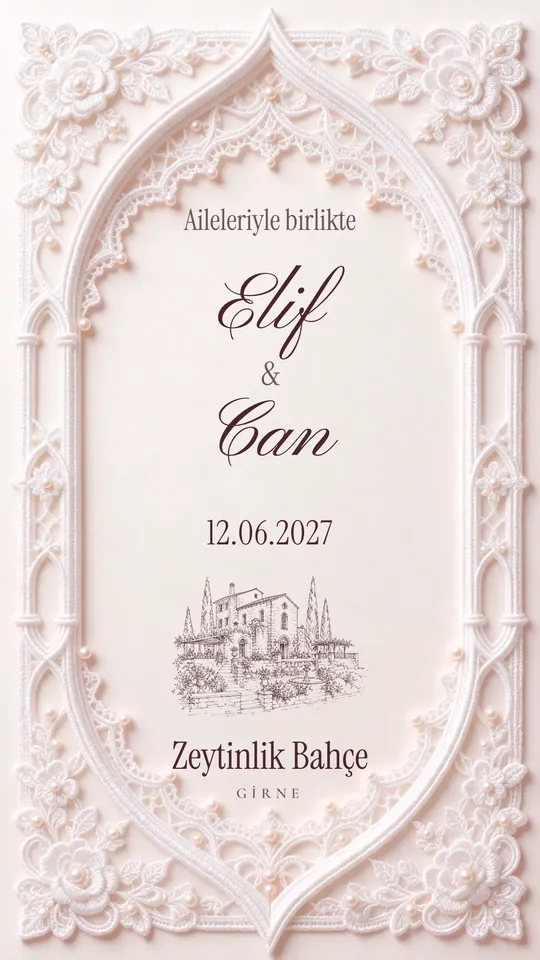
Lace, Long Table, Bindallı, Mother of Pearl, Courtyard. The available themes are listed above. The sections are the same: schedule, venue and directions, dress code, travel, where to stay, a countdown, RSVP and the album. Switch themes any time; what you wrote stays.
- Personal links greet each guest by name and record their reply
- Order, hide and preview sections before publishing
- Switching themes keeps your content
- Online Invitation included; already have it? Pay just the difference
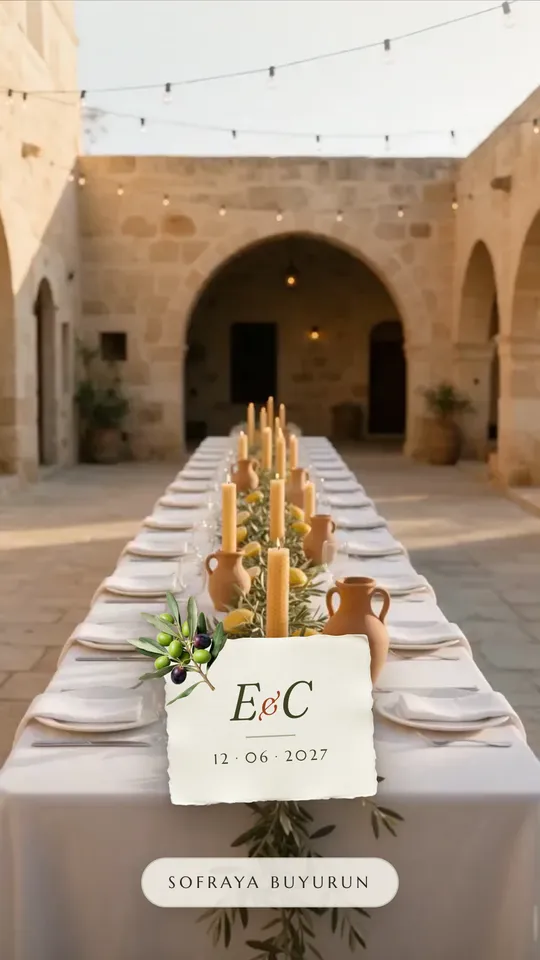
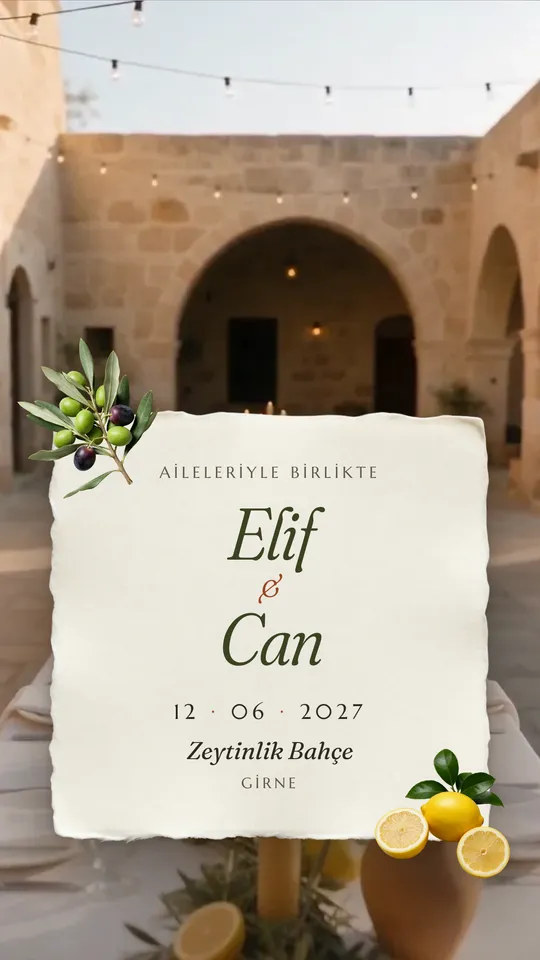
Long Table
A long wedding table in a stone courtyard at sunset: linen, olive branches, lemons and candlelight.
Opening: A candlelit table
Open the sample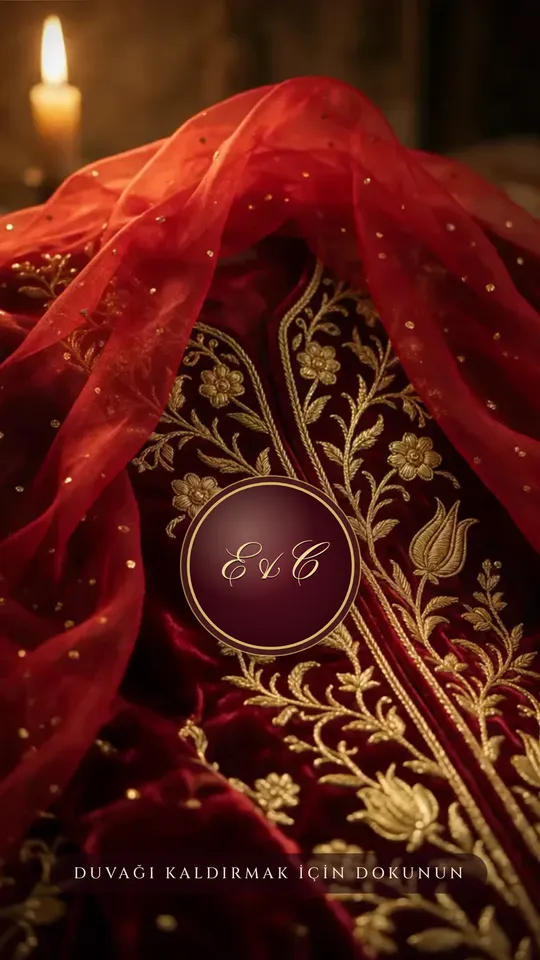
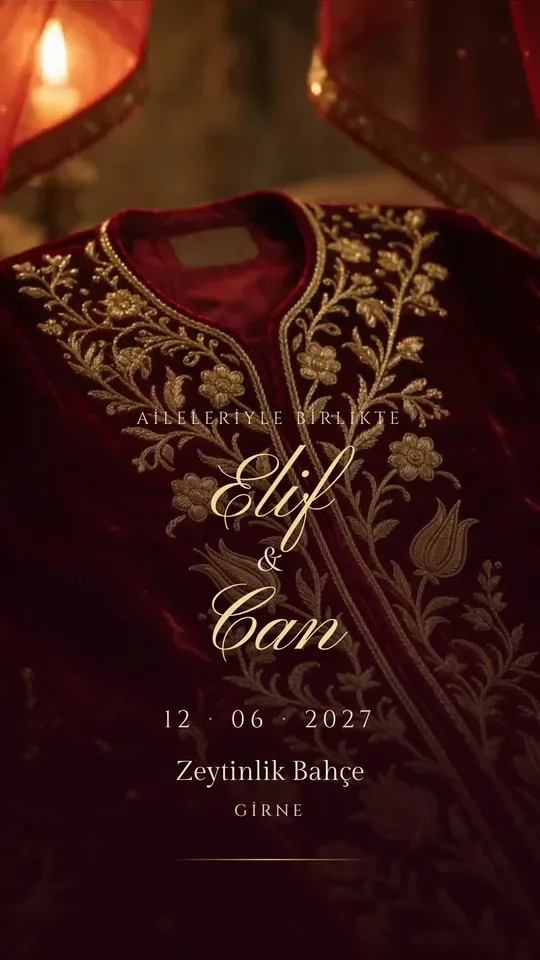
Bindallı
Burgundy velvet, gold-thread embroidery and a red veil. For henna nights, engagements and weddings.
Opening: The red veil lifts
Open the sample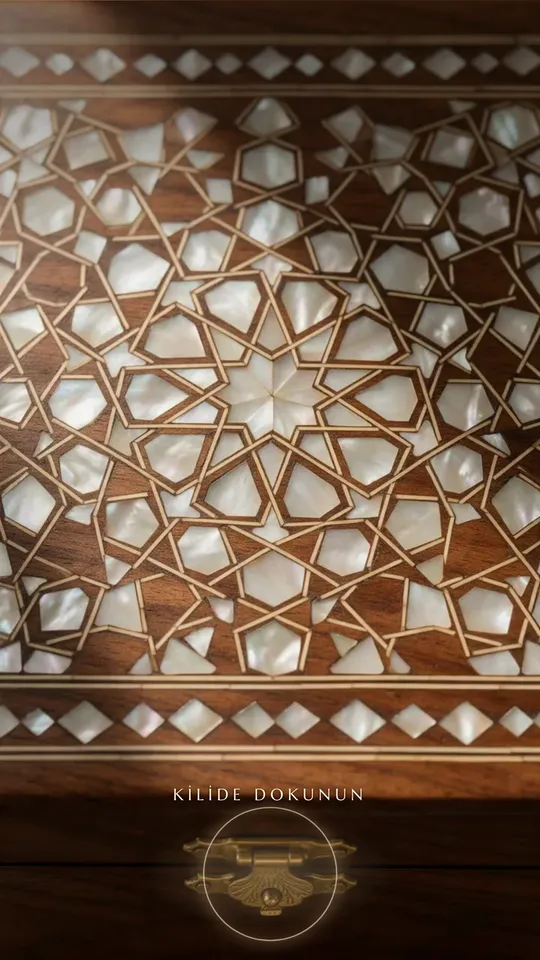
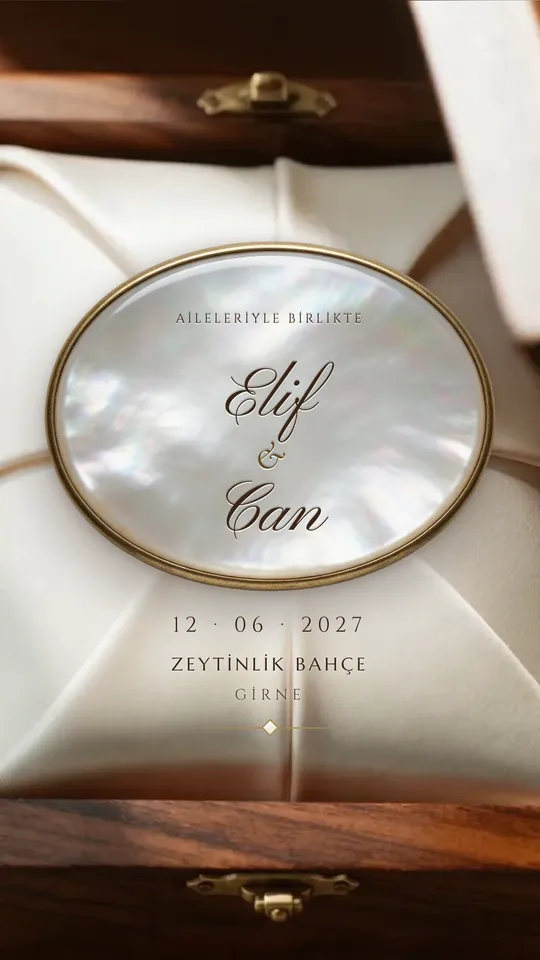
Mother of Pearl
A walnut box with mother-of-pearl inlay, a brass clasp and ivory silk.
Opening: The inlaid box unlatches
Open the sample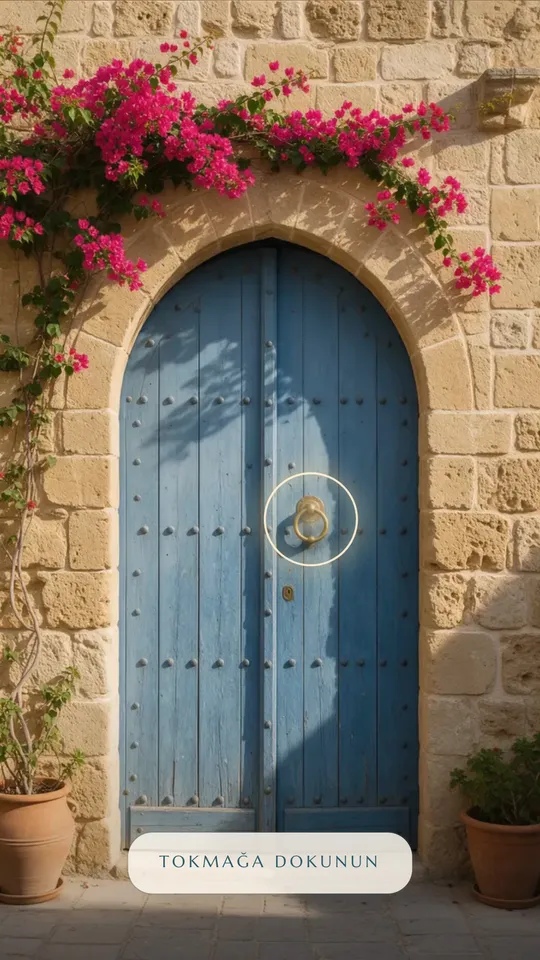
Courtyard
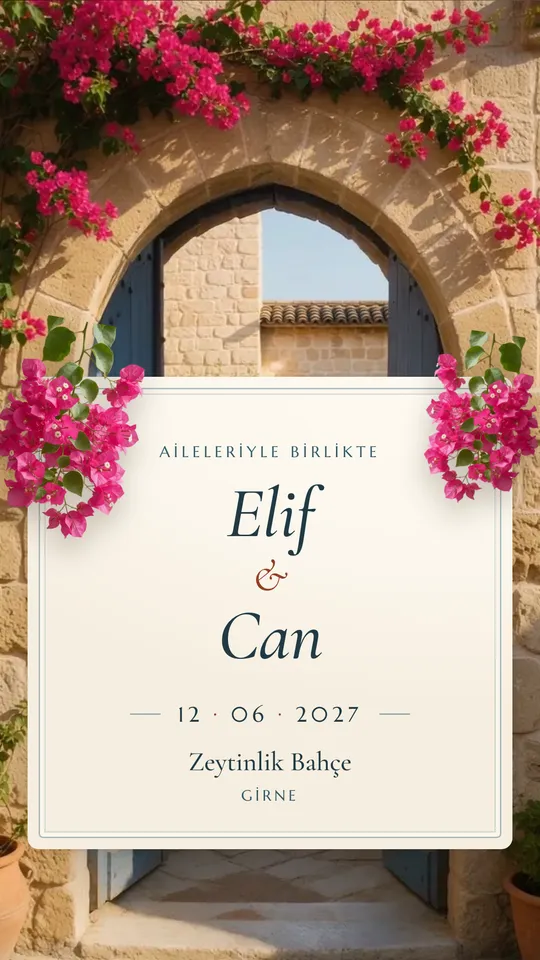
A stone wall in Nicosia, a blue door and bougainvillea; the door opens onto a sunlit courtyard.
Opening: A blue door to a courtyard
Open the sample
Questions
Can I change the theme later?
Yes. Pick the theme in your panel under Design → My Website; your texts, schedule, hotels and photos carry over to the new theme. The live site keeps the old theme until you publish again.
Do guests need an app?
No. The invitation link opens in the browser; guests tap the seal, the clasp or the door knocker and the site opens. Replies and photo uploads happen on the same page.
Do I need to upload my own photo?
No. The opening film and imagery come with the theme; your names, date and venue are filled in from your event details. You can add a photo of the venue if you like.